

TESSERaCT
Creates and runs macOS, Linux and Windows 11 Arm virtual machines, with a daily catalogue of ARM64 systems to try.GetApache-2.0

Runs macOS, Linux and Windows 11 virtual machines on Apple silicon, with a guest agent for shells, logs and file copies.
BSD-2-Clause · Free download · Downloads from github.com
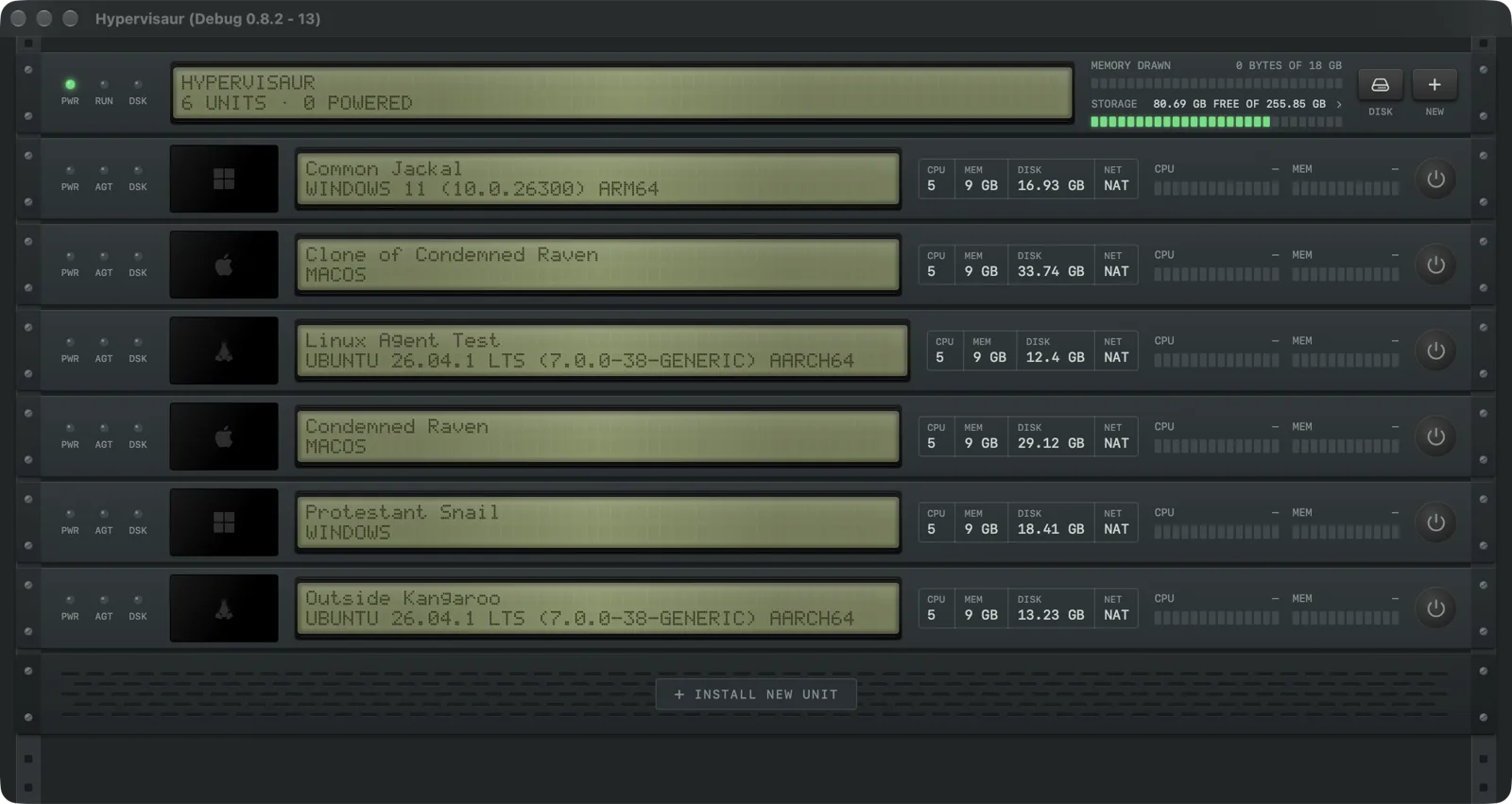
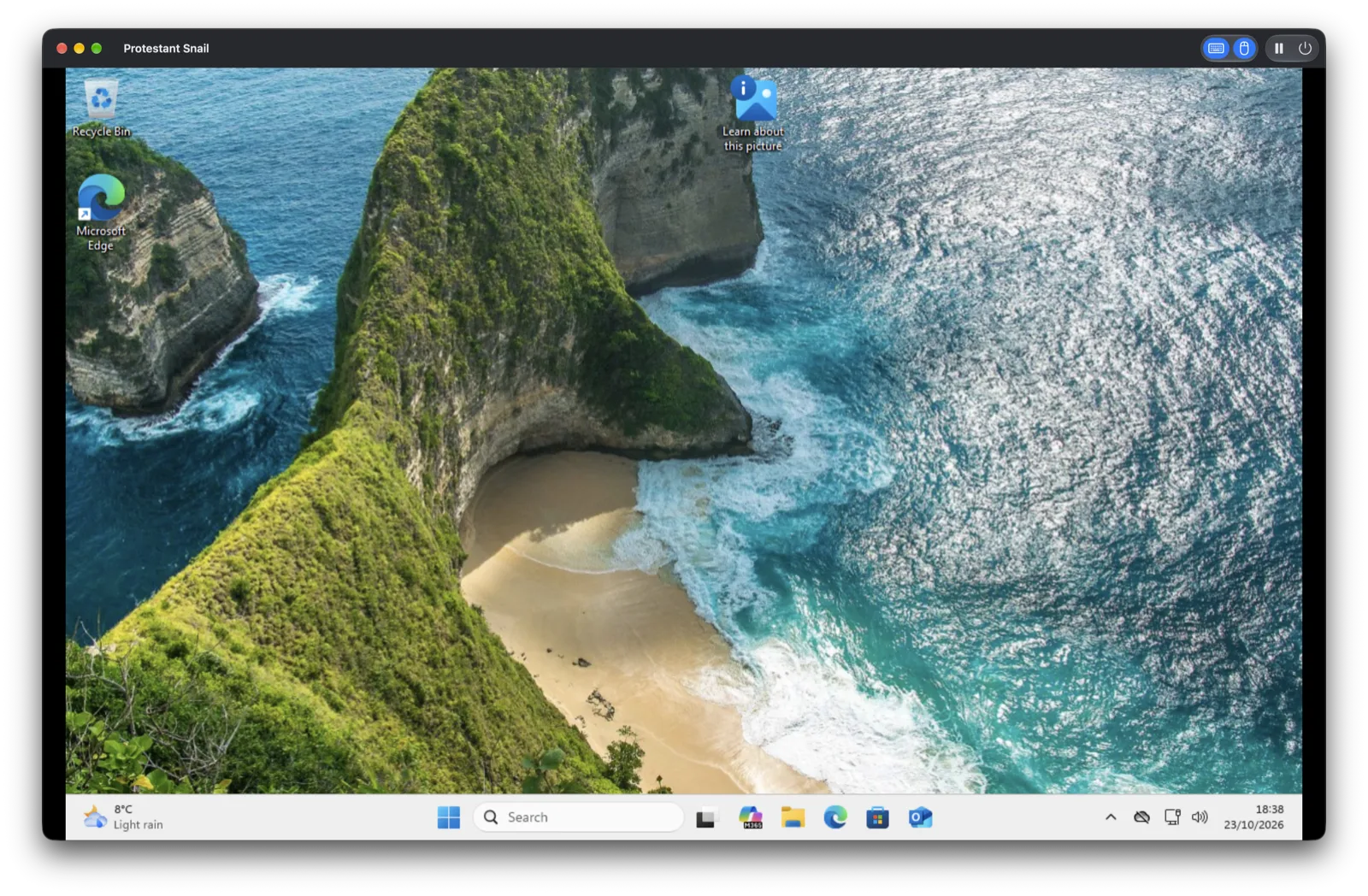
Hypervisaur creates and runs macOS, Linux and Windows 11 virtual machines on an Apple silicon Mac. Its library draws each machine as a unit in an equipment rack, with lights for power, disk and agent activity, a live thumbnail of its screen and meters for processor and memory use. Click a unit to start it.
macOS and Linux guests run on Apple's Virtualization framework, as they do in VirtualBuddy, which Hypervisaur was forked from. Linux images for Ubuntu, Fedora, Debian and Kali download from inside the app. Windows 11 for ARM runs through QEMU instead. Hypervisaur checks for QEMU, swtpm, wimlib and Samba, installs any that are missing with Homebrew, and can install Windows unattended with a local account. You supply Microsoft's ARM64 disc image and your own Windows license.
An agent inside each guest handles jobs that would otherwise need network setup or SSH:
hvctl command, for the same tasks from scriptsClones share storage with the machine they came from until they change. A Storage window shows how much deleting each machine would actually free. Guests can use NAT or bridged networking and share folders and the clipboard, and macOS and Windows guests can save their state. Machines made in VirtualBuddy or UTM can be imported. A bundled MCP server lets a coding agent create a Windows machine, start it and look at its screen.
Parallels Desktop and VMware Fusion pass USB devices through to Windows, which Hypervisaur cannot do yet. Its Windows support also depends on QEMU parts from Homebrew, and Secure Boot is skipped.
The app needs macOS 14 or later on Apple silicon. It ships as a pkg installer signed with a Developer ID and notarized, and checks GitHub once a day for new releases.
OpenMacApps links to each project’s official download. Requirements are for the current release and can change with the next one. The verification date records our license and source review, not a security audit. Read how we verify.
License and artwork notices
Link to this page from your README with a badge.

[](https://openmacapps.com/apps/hypervisaur/)