

Gocci
Menu bar app that shows Google Drive in Finder through File Provider, with downloads kept on a disk you choose.GetMIT
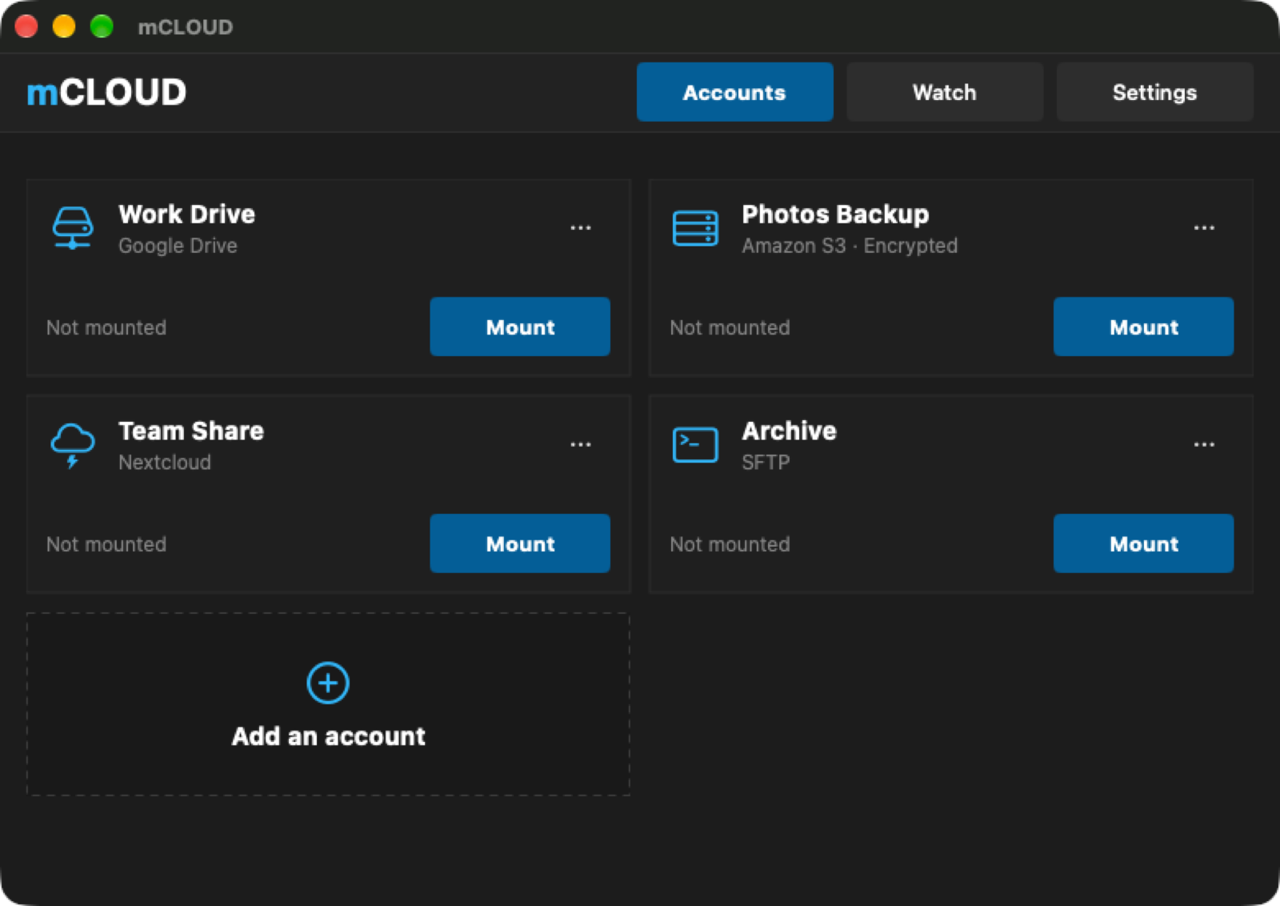
Mounts Google Drive, Dropbox, OneDrive, S3, SFTP, WebDAV and other storage as drives in the Finder, without macFUSE.
MIT · Free download · Downloads from github.com
mCLOUD mounts your cloud accounts as drives in the Finder, from an icon in the menu bar. Supported services include Google Drive, Dropbox, OneDrive, iCloud Drive, Box, pCloud, kDrive, MEGA, Nextcloud and Backblaze B2, along with S3, Wasabi, SFTP, FTP and WebDAV servers.
No kernel extension and no macFUSE are involved. The app runs a local WebDAV server powered by rclone and asks macOS to mount it, so each account appears like a network share.
Per account, you decide how it behaves:
Drives reconnect on their own after sleep or a network change. An account list can be imported from CloudMounter, after which each account has to be authorized again, because its tokens are not read. The project is independent and not affiliated with the services it connects to.
Releases are universal builds for Apple silicon and Intel Macs running macOS 14 or later, signed and notarized. The interface is in English, French, Spanish and Italian, and the app checks GitHub for updates every day.
OpenMacApps links to each project’s official download. Requirements are for the current release and can change with the next one. The verification date records our license and source review, not a security audit. Read how we verify.
License and artwork notices
Link to this page from your README with a badge.

[](https://openmacapps.com/apps/mcloud/)