


Splat
Native Markdown editor with a live, editable preview, LaTeX and diagrams, and PDF, HTML or Word export.GetApache-2.0 OR MIT

Opens one Markdown file at a time, renders it the way GitHub does and copies it out as rich text or PDF.
MIT · Free download · Downloads from github.com
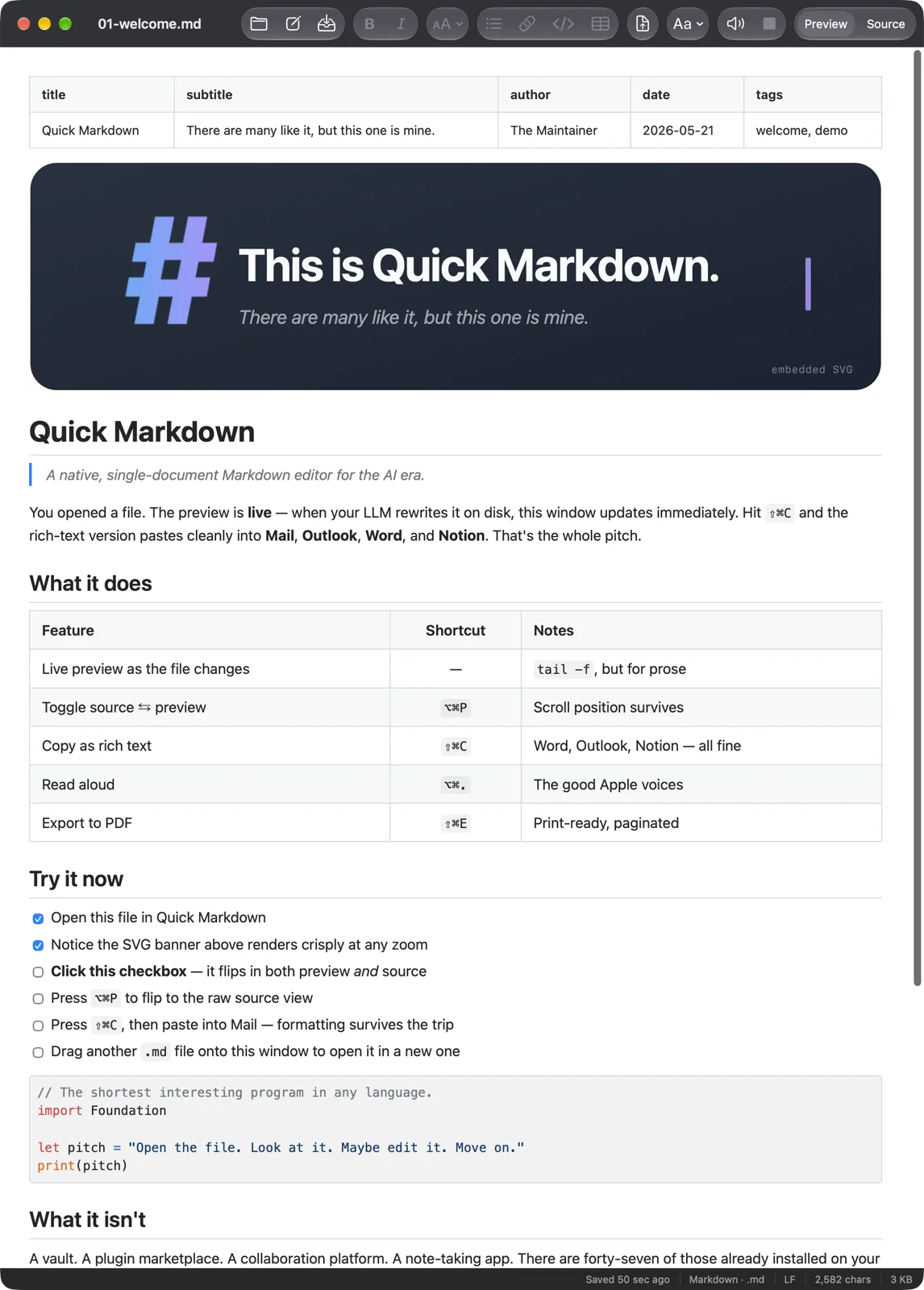
Quick Markdown opens a single Markdown file and shows it rendered, with the source view one shortcut away (Option-Command-P). There is no vault, library or workspace. Each window is one file on disk.
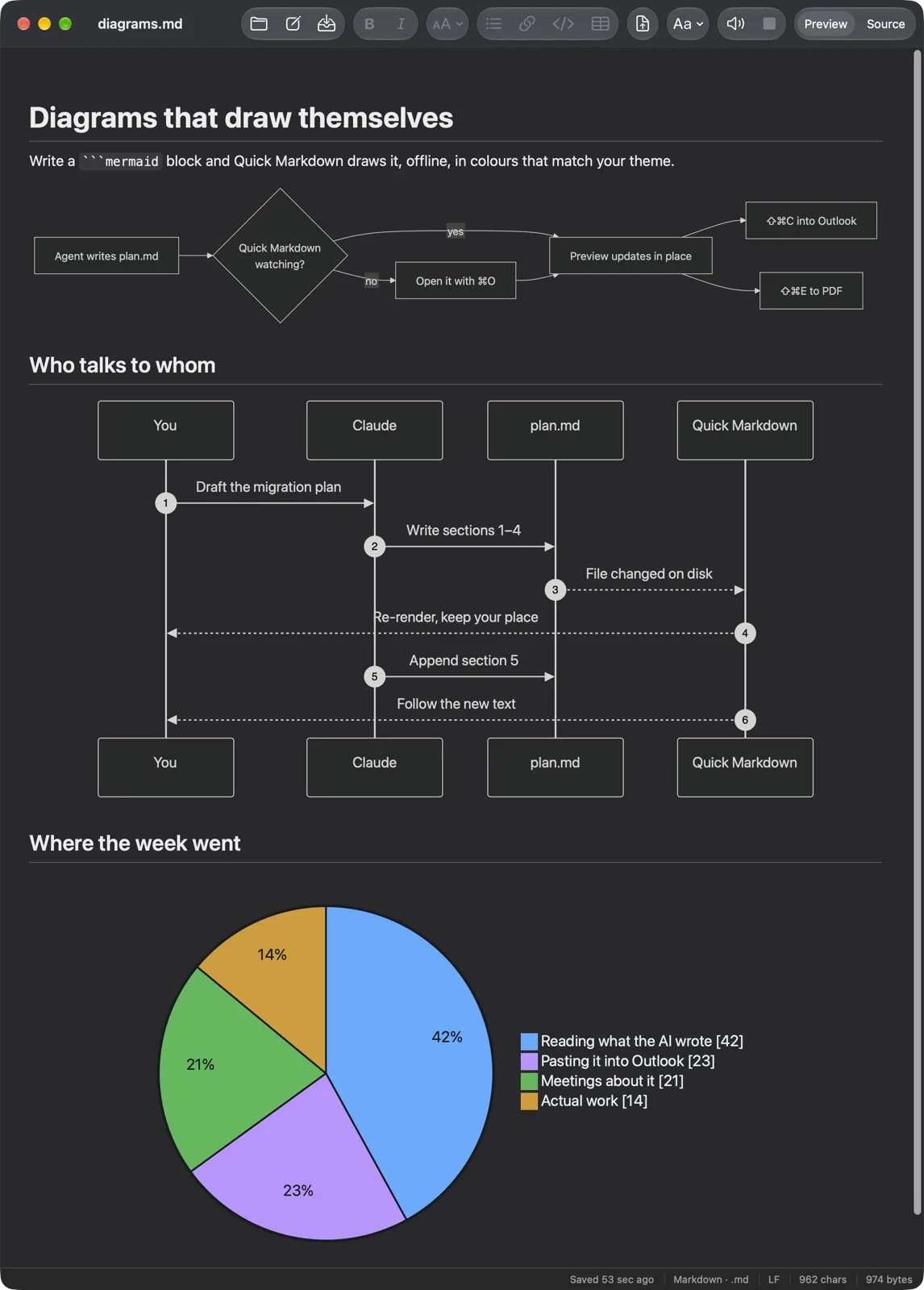
When another program writes to that file, such as a coding agent drafting a plan, the preview redraws as the file changes and keeps your scroll position. Editing an SVG or PNG next to the file refreshes the preview too.
Rendering follows GitHub Flavored Markdown and works offline, with the extras that turn up in technical documents:
Getting a document out matters as much as reading it. Shift-Command-C copies it as HTML, RTF and Markdown at once, so the formatting survives a paste into Mail, Word, Outlook, Notion or Slack. Shift-Command-E exports a PDF. Text copied from a Claude, ChatGPT or Gemini conversation loses the chat interface around it when you paste it in.
Six reading themes are included. One of them switches to the OpenDyslexic font when it is installed. The built-in macOS voices can read a document aloud, highlighting the source as they go.
Typora renders Markdown inline as you type. Quick Markdown keeps the preview and the source as separate views and puts more weight on reading and exporting than on writing long documents.
The app needs macOS 15 or later and is a universal build for Apple silicon and Intel Macs. It runs in the App Sandbox and ships as a pkg installer signed with a Developer ID and notarized. It tells you when a new release is out.
OpenMacApps links to each project’s official download. Requirements are for the current release and can change with the next one. The verification date records our license and source review, not a security audit. Read how we verify.
License and artwork notices
Link to this page from your README with a badge.

[](https://openmacapps.com/apps/quick-markdown/)