
CAM
Minimal camera recorder for macOS that saves each clip as an mp4 through a bundled ffmpeg binary.GetUnmaintained
Uses an iPhone over USB as a Mac camera for video calls and OBS. Free apps, with no Wi-Fi, cloud or account.
MIT AND GPL-2.0+ · Free download · Downloads from github.com
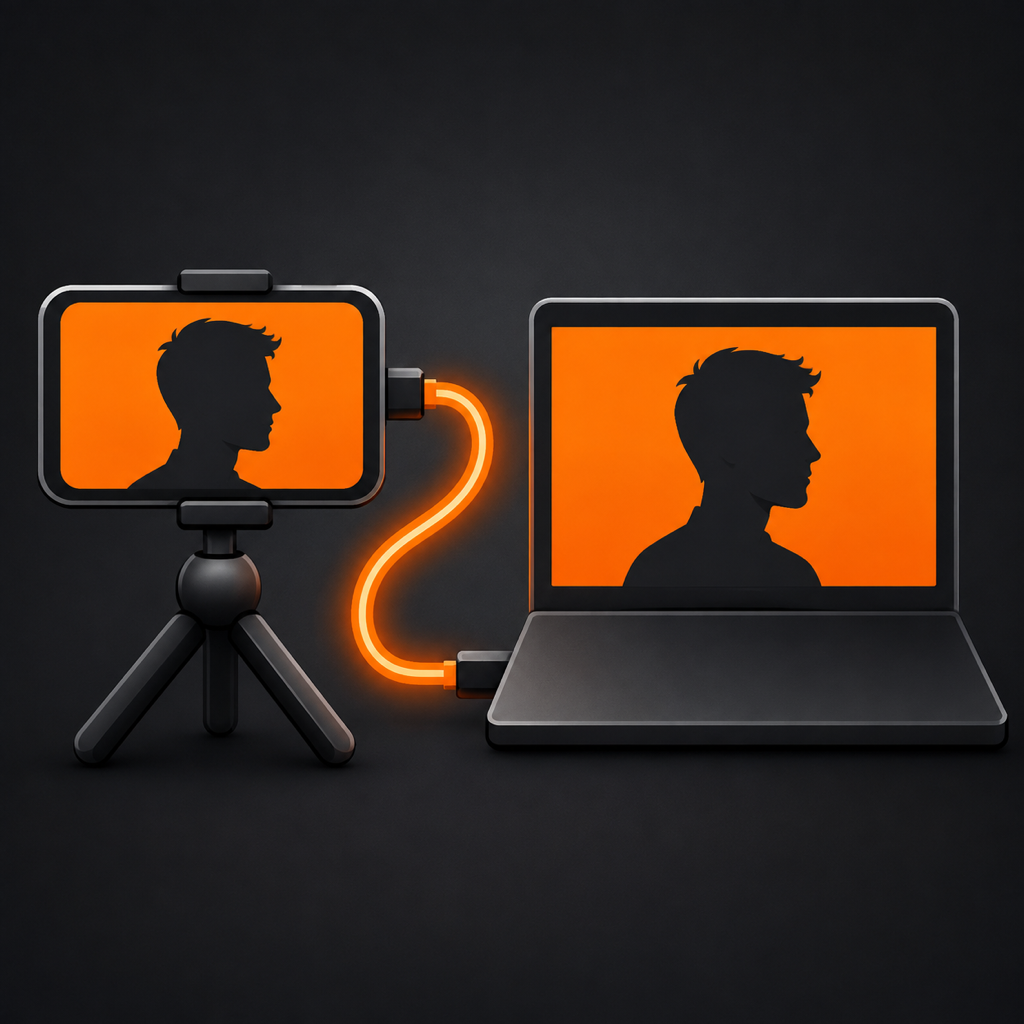
TetherCam makes an iPhone act as a camera for your Mac. The iPhone app captures video and sends it over the USB cable to a menu bar app on the Mac, which publishes it as a system camera named TetherCam. You can then pick it in Zoom, Teams, Google Meet, FaceTime and other apps. An OBS plugin is the alternative path, and it also brings the phone's microphone into OBS. It suits people who want to use an iPhone for calls or recordings without relying on Wi-Fi or a cloud service.
You need both free apps: the iPhone app (iOS 17 or later) and the Mac app (macOS 14 or later). The Mac app is signed and notarized, and macOS asks once that you allow the camera extension in System Settings. The OBS plugin needs macOS 12 or later and OBS Studio 30 or later. The phone serves one connection at a time, so only one receiver can run.
OpenMacApps links to each project’s official download. Check its release notes for macOS version and Apple silicon support. The verification date records our license and source review, not a security audit. Read how we verify.
License and artwork notices
Link to this page from your README with a badge.

[](https://openmacapps.com/apps/tethercam/)