Safe Drive Ejector
Menu bar utility that ejects external drives before sleep, closes apps holding them and remounts them on wake.GetMIT
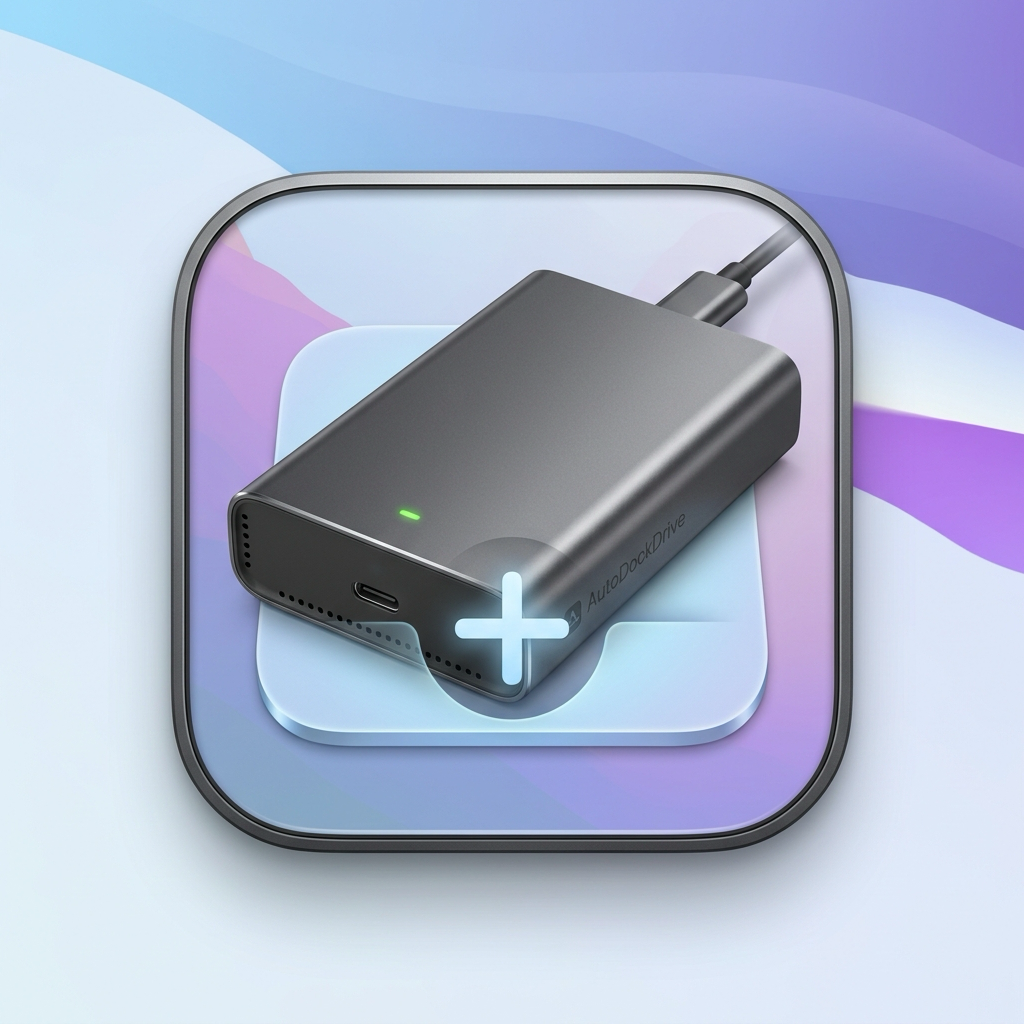
Adds external drives to the Dock when you plug them in and removes them when you eject them.
MIT · Free download · Downloads from github.com
AutoDockDrive runs in the menu bar and adds a Dock shortcut for each external drive, SD card or USB stick while it is connected, then removes the shortcut on eject. It skips disk images, installers and Time Machine backups, and lets you exclude drives you always keep plugged in. The menu can eject, open or copy the path of a connected drive. It suits people who want removable storage in the Dock without leaving those shortcuts there permanently.
It needs macOS 12.0 or later, on Apple silicon or Intel. The README does not say whether the build is notarized. It warns that macOS may block the first launch and tells you to choose Open Anyway in System Settings. Adding a drive restarts the Dock for a moment, and network drives are ignored by default.
OpenMacApps links to each project’s official download. Check its release notes for macOS version and Apple silicon support. The verification date records our license and source review, not a security audit. Read how we verify.
License and artwork notices
Link to this page from your README with a badge.

[](https://openmacapps.com/apps/autodockdrive/)