AirPoise
Menu bar app that reads AirPods motion sensors to nudge your posture and run shortcuts from head gestures, on-device.GetMIT

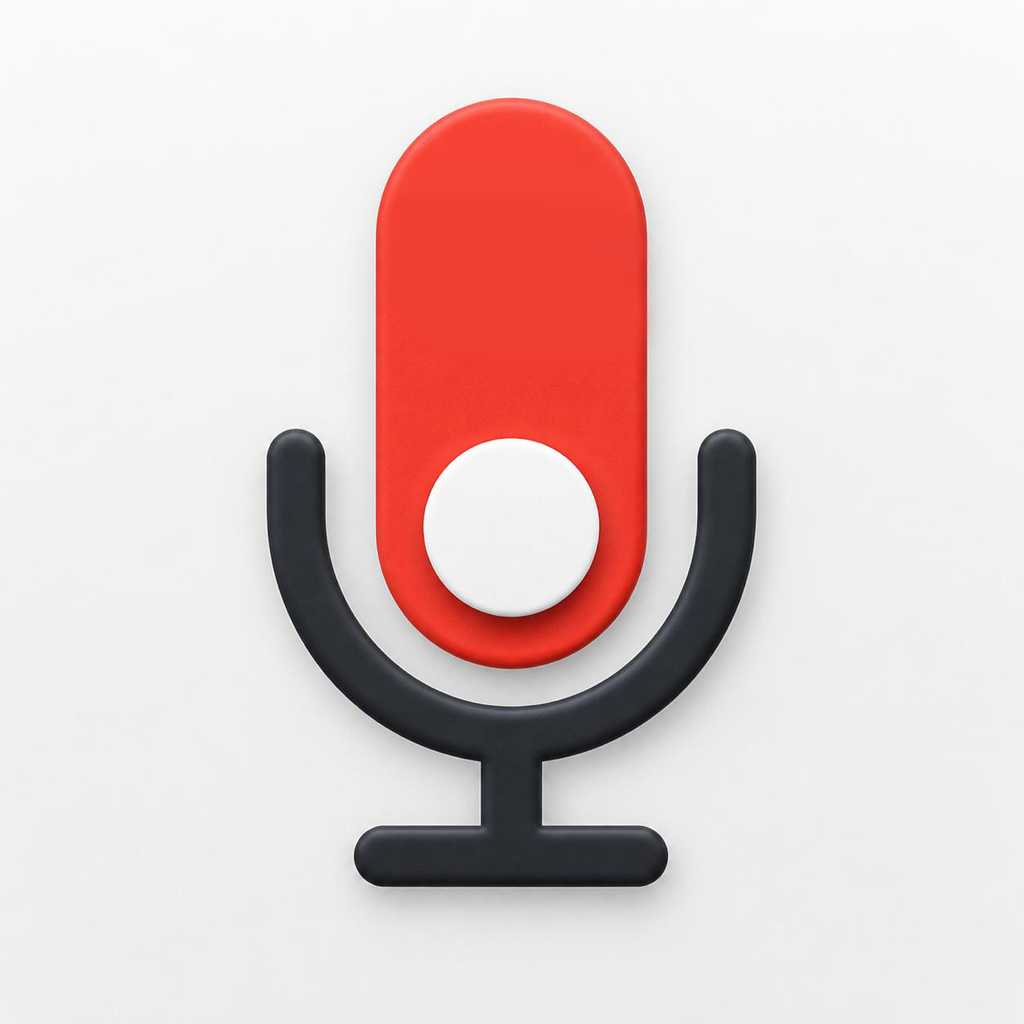
Menu bar tool that mutes all microphones with a global hotkey, push-to-talk shortcuts and an on-screen indicator.
MIT · Free download · Downloads from github.com
LockMic mutes the system's input devices through Core Audio, so the mute holds in Zoom, Teams, browsers and any other app. You toggle it from the menu bar, with a global shortcut, or by clicking an optional floating indicator, and it can also run push-to-talk and push-to-mute holds. It can record the microphone and system audio to a dated AAC file, but only when you start a recording. It is for people who need a hard mute on calls.
Requires macOS 14 Sonoma or later; building from source needs Xcode 15 and XcodeGen. The direct DMG and zip are Developer ID signed and notarized, which the v1.4.51 zip confirmed. The Homebrew tap needs a one-time brew trust step. The app is MIT-licensed, but the author says future Pro features may be offered separately under other terms.
OpenMacApps links to each project’s official download. Check its release notes for macOS version and Apple silicon support. The verification date records our license and source review, not a security audit. Read how we verify.
License and artwork notices
Link to this page from your README with a badge.

[](https://openmacapps.com/apps/lockmic/)